Windows
64-bit installer · 0.4.8
 WOLF FORGECODE · CREATE · EXPLORE
A calm two-pane file transfer client for Windows and Linux. Keep local folders and remote servers side by side, move files with clear controls, and make the small edits that keep things running.
Built at Wolf Forge. Tested on Windows, Linux Mint and Fedora.

Download the Windows installer or choose a Linux package. Files are hosted on the official Cosy FTP GitHub release.
Need checksums or release details? View all files for Cosy FTP 0.4.8 on GitHub →
For the everyday jobs: uploading a website, updating a configuration file, bringing a backup home, or copying between servers. Cosy FTP gives each side its own place and keeps the next action easy to see.
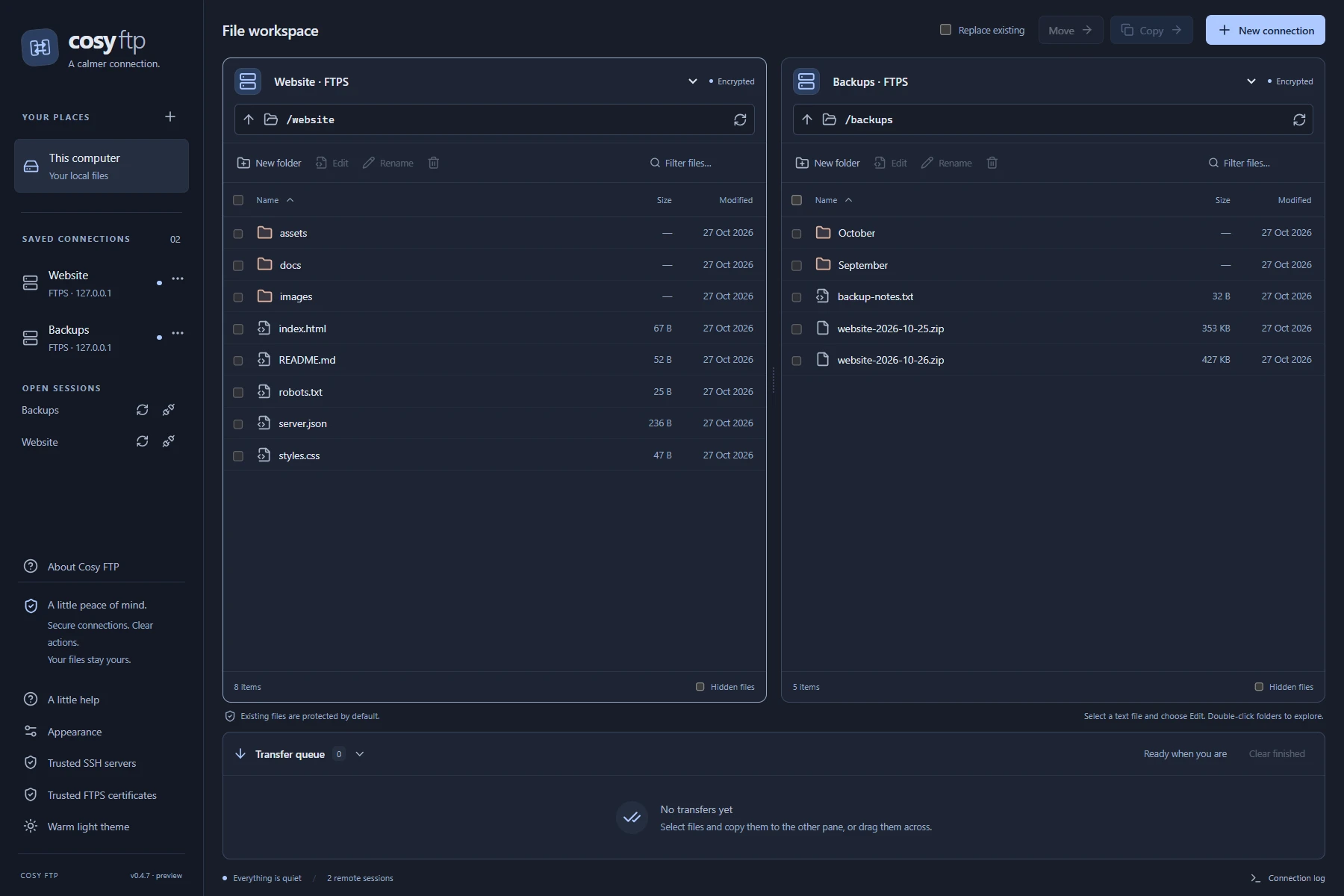
Local folders, a remote server, or two servers side by side. Find your files with sorting and filtering, then choose exactly what to copy.
Queue uploads and downloads, review progress, and cancel or retry when needed. Existing files stay protected until you explicitly choose replacement.
Save connection profiles, verify server fingerprints and use your desktop credential store for remembered passwords when available.
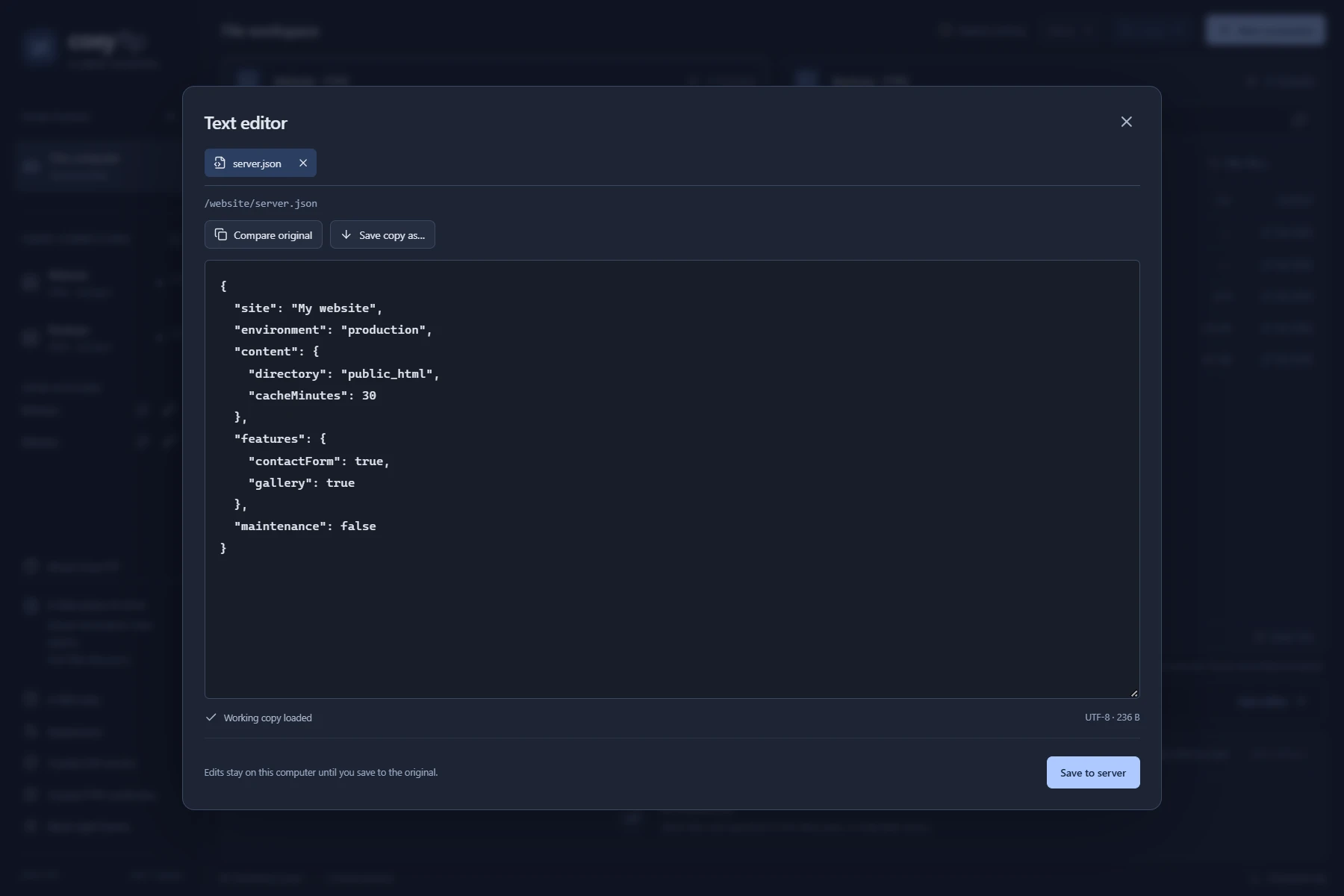
Open a configuration file, update a page or adjust a JSON setting without leaving your workspace. The built-in editor keeps a local working copy, and saving to the server stays an explicit action.
If the original changes, compare it with your draft before deciding what to keep. Your working copies can be reopened after a restart.
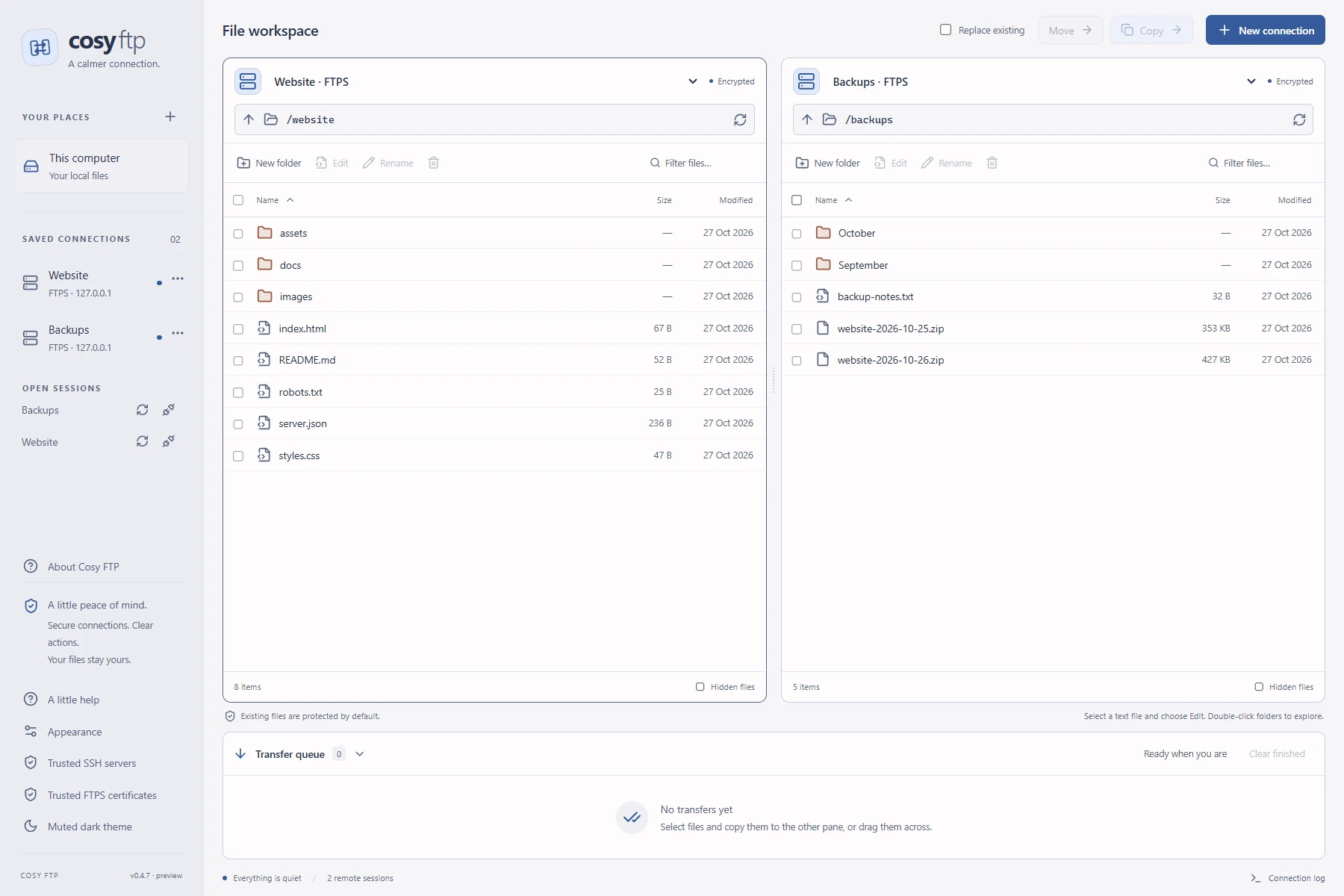
A muted dark workspace for late-night maintenance. A warm light theme for a brighter desk. The same familiar controls and independent panes in either, with your choice remembered.
Reconnect a dropped browsing session without losing its identity, and keep open working copies bound to the same saved connection.
Cosy FTP is for browsing, transferring and editing ordinary text files. The first release keeps its scope clear: password-based SFTP, explicit FTPS and opt-in FTP. Transfers can be cancelled and retried; automatic partial-transfer resume, SSH key authentication and directory synchronisation are future work.
Folder copies complete one file at a time. If a later file fails, earlier completed files remain. Metadata such as ownership and ACLs depends on the server and is not guaranteed to be preserved.